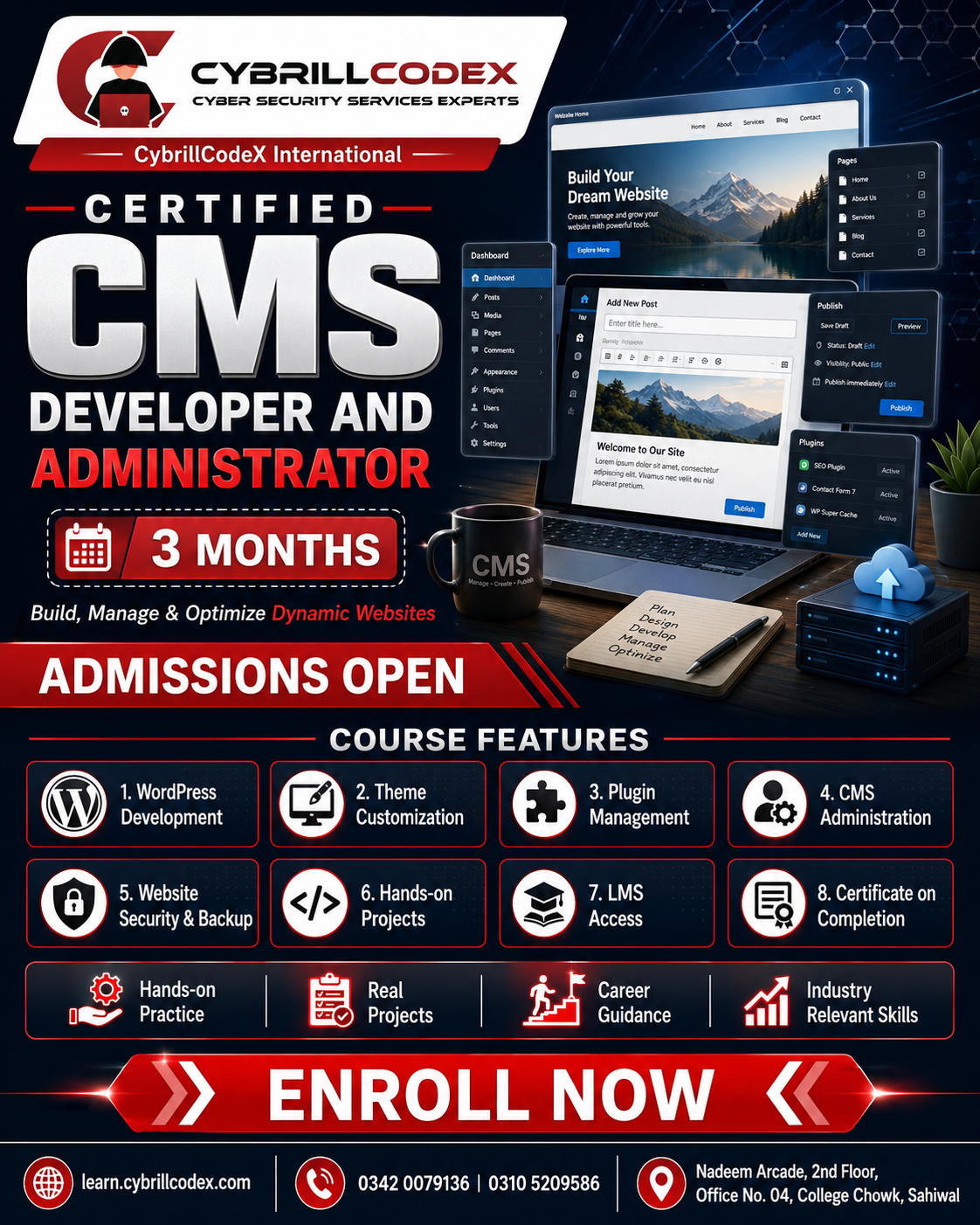
Welcome to the Certified CMS Developer and Administrator Program! This focused 3-month course is designed to equip you with the professional skills needed to build, customise, manage, and administer websites using the world's most powerful Content Management Systems — with a deep focus on WordPress, Shopify, and modern headless CMS solutions.
Over 43% of all websites on the internet are powered by CMS platforms. Businesses, brands, agencies, and freelancers rely on CMS developers and administrators who can build fully functional, fast, and secure websites without starting from scratch. This course takes you from installation and theme customisation all the way to custom plugin development, e-commerce setup, performance optimisation, and client handover — the complete skill set agencies and clients pay for.
Why Choose This Course?
- Most In-Demand CMS Skills: Master WordPress and Shopify — the two most widely used platforms globally — giving you the ability to serve the vast majority of client and business website needs.
- Developer and Administrator Dual Track: Learn both the technical development side (custom themes, plugins, APIs) and the administrator side (content management, user roles, backups, security hardening).
- Freelance and Agency Ready: Graduate with the skills to take on real client projects immediately — from business websites and blogs to fully functional online stores.
- E-Commerce Expertise: Build complete WooCommerce and Shopify stores with product management, payment gateways, shipping, and discount systems.
- Performance and Security: Learn how to optimise CMS websites for speed, SEO, and security — skills that set you apart from basic website builders.
- Career Support: CV review, freelance pricing guidance, client proposal templates, and access to our optional internship programme after course completion.
Tools & Technologies Covered
- WordPress (Theme Development, Custom Post Types, Gutenberg Blocks)
- PHP and MySQL for WordPress plugin and theme development
- WooCommerce for full e-commerce store setup and customisation
- Shopify Liquid templating language and theme customisation
- Elementor Pro and Advanced Custom Fields (ACF) for visual development
- WordPress REST API and headless CMS integration
- Strapi or Contentful for headless CMS projects
- Yoast SEO and Rank Math for on-page SEO optimisation
- Cloudflare, WP Rocket, and LiteSpeed Cache for performance optimisation
- Wordfence and iThemes Security for WordPress security hardening
- cPanel, FTP, and domain/hosting management
- Git and GitHub for version-controlled CMS development workflows
Hands-On Projects
Throughout the 3 months you will build multiple real client-style projects including:
- Business Website with WordPress: A complete multi-page business website with custom theme, navigation, contact forms, blog, and on-page SEO setup.
- WooCommerce Online Store: A fully functional e-commerce store with product catalogue, categories, payment gateway integration, shipping rules, and coupon management.
- Shopify Store Build: Set up and customise a Shopify store from scratch including theme customisation with Liquid, product setup, collections, and checkout configuration.
- Custom WordPress Plugin: Build a simple but functional WordPress plugin demonstrating hooks, shortcodes, settings pages, and database interaction.
- Capstone Client Website: A complete, deployment-ready website for a chosen business niche, delivered with documentation, admin training notes, and a client handover guide.
Who This Course Is For
- Beginners who want to build professional websites without learning full-stack development from scratch
- Designers who want to add CMS development skills to their portfolio and offer complete website packages
- Freelancers who want to build and manage client websites using WordPress or Shopify
- Digital marketers and content managers who want to independently manage and update websites
- Small business owners who want to build and maintain their own website professionally
- Aspiring web developers who want a fast path to client-ready, income-generating web skills
Career Opportunities
Upon completing this course you will be prepared for roles such as:
- WordPress Developer / WordPress Administrator
- Shopify Developer / Shopify Store Manager
- CMS Web Developer
- WooCommerce Developer
- Website Administrator and Content Manager
- Freelance Web Developer and Digital Agency Contractor
- E-Commerce Store Manager
- SEO Web Developer
Learning Mode
Hybrid Learning: Attend classes physically at our campus or join online via live interactive sessions.
- Live Classes: Monday to Friday, 9:00 AM – 12:00 PM
- Recorded Sessions: Access all class recordings anytime for revision at your own pace
- Online Support: Get help via WhatsApp community and scheduled mentoring sessions
- Practical Labs: Hands-on website build sessions with instructor guidance and real client-style briefs every week
- Project Reviews: Structured feedback on every website project milestone from planning through to deployment
- Client Simulation: Work through real-world client briefs, requirement gathering, and website handover exercises to prepare you for freelance work
Whether you are starting fresh, looking to add CMS development to your existing skills, or ready to launch a freelance career building websites for clients — this 3-month program gives you everything you need to develop, manage, and deliver professional CMS-powered websites with confidence.